Posted on — Leave a comment

What Rubber Settings and Adapters Do the Top Eleven Table Tennis Players Use?

Have you ever wondered what rubber settings the top players in Eleven Table Tennis use?

Discord user Korg put together an interesting analysis of the rubber settings used by the top 100 players on the 11 Clubhouse global leaderboard. That’s 200 rubber sides to look at, and there are some interesting patterns in the data.

I thought it was worth sharing a few of the findings here.

Check out Korg’s full report

Oversized paddles are pretty popular

51 out of the top 100 players use an oversized paddle.

Players using oversized paddles also tend to use slightly lower bounce settings than those using standard-size paddles.

Does that mean oversized paddles are better? Not necessarily, but it’s interesting to see how common they are among highly rated players.

Defensive rubber is more common than you might think

26 players use a bounce setting below 0.60 on at least one side of their paddle.

Many of them use different setups on each side, combining slower rubber on one side with a more conventional setup on the other.

So if you’re experimenting with your own paddle, there’s no reason to assume both sides need to be identical. Different setups can serve different purposes.

Maximum friction is a popular choice

58 of the 100 players use maximum friction on at least one side.

On the other hand, 42 players use less than maximum friction on both sides. Clearly, maximum friction is popular, but it’s not a requirement for playing at a high level.

Bounce and throw tend to go together

One of the more interesting findings is that higher bounce settings tend to be associated with higher throw settings.

The relationship isn’t perfect, of course, but it’s worth keeping in mind when adjusting your own rubber. Changing one setting can affect how the overall setup feels, so it makes sense to experiment with bounce and throw together.

Is there a magic rubber setup for climbing the leaderboard?

Apparently, not an obvious one.

Korg’s analysis found little relationship between most rubber settings and Elo rating. Throw showed a weak negative correlation, meaning higher-rated players tended to use slightly lower throw settings on average.

That doesn’t mean the setting makes them better players. It simply shows that, among these top 100 players, there isn’t an obvious combination of rubber settings that separates the best from the rest.

And that’s probably the most interesting takeaway: there’s no single setup that everyone at the top uses.

Explore the data yourself

These are just a few highlights from Korg’s analysis. The full report lets you dig into the settings, compare the two sides of a paddle, and look for patterns across the leaderboard.

If you’re trying to find a setup that suits your own playing style, it could be a useful source of ideas.

Just remember that a setup that works for a top player won’t necessarily work for you. Use the data as a starting point for experimentation, not as a recipe you have to follow.

Big thanks to Korg for putting this together and sharing it with the community!

Explore the full report here

What adapters do the top players use?

Also, if you’re curious about which adapters top Eleven Table Tennis players use, here’s another graph based on data from 11clubhouse.

Among the players who use an adapter, most seem to be using SolidSlime. It’s really nice to see, and honestly, it means a lot to me. I’ve put a lot of time and care into these adapters, so knowing that players are finding them useful is both encouraging and motivating. A big thank-you to everyone who has chosen to use one and supported the project along the way!

Top players in Eleven Table Tennis are using SolidSlime adapter
Posted on — Leave a comment

Steam Frame Table Tennis Adapter(s)

After several weeks of designing, prototyping, and testing, we’re excited to announce that the SolidSlime Steam Frame adapters are now ready to order! It’s a fantastic tool to play VR table tennis games (such as Eleven Table Tennis) on Steam Frame.

Here’s where you can get yours:

Two main designs, shaped by your feedback

Thanks to the suggestions from the players who expressed interest, we’ve developed two main versions of the adapter: one for shakehand and one for penhold.

(Please click the links above to see the full feature list of each adapter)

During testing, we discovered that the Steam Frame controller offers excellent tracking LED coverage. In practice, this means the controller can maintain tracking across a wide range of rotation angles, which is particularly useful for table tennis players who like to twiddle their racket.

To take full advantage of this, we’ve also developed a full-width shakehand variant. It gives players who frequently flip their racket more freedom to rotate it while making the most of the controller’s tracking capabilities.

Full width adapter

As usual, you can choose from flared, straight, and anatomic handles, along with Chinese and Japanese penhold handles. Right-handed and left-handed versions are available, too.

Why we chose tracking over ergonomic strap compatibility

There’s one requested feature we unfortunately couldn’t include: compatibility with the Steam Frame ergonomic strap.

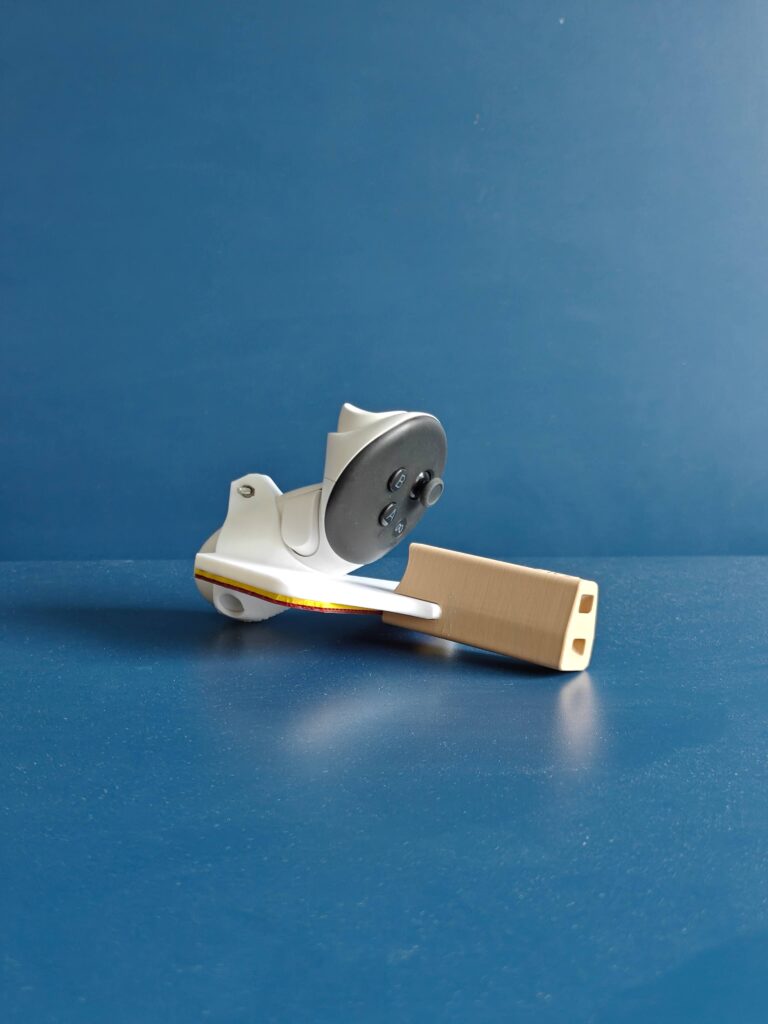
Our initial prototype, shown below, actually supported the ergonomic knuckle strap. However, after extensive testing, we found that this controller orientation delivered around 30% worse tracking performance than our final design, which positions the controller horizontally.

For us, tracking performance has to come first. We’d rather deliver an adapter that tracks reliably during fast rallies than compromise performance to accommodate an additional accessory. The ergonomic strap itself also weighs around 20 grams, adding considerable weight to the setup.

Initial prototype photo

A few weeks ago, we noticed that some sellers had already started offering adapters using this alternative controller orientation. If you’ve been wondering why we chose a different approach, now you know! 😄

We’re excited to finally get these adapters into your hands and hear what you think. We hope you enjoy using them as much as we’ve enjoyed developing them!

Please let us know if you have any questions.

Happy playing!

Posted on — Leave a comment

Spring in Bloom: Personalize Your SolidSlime

As the world awakens and spring begins its quiet return, we are breathing new life into the SolidSlime Adapter collection.

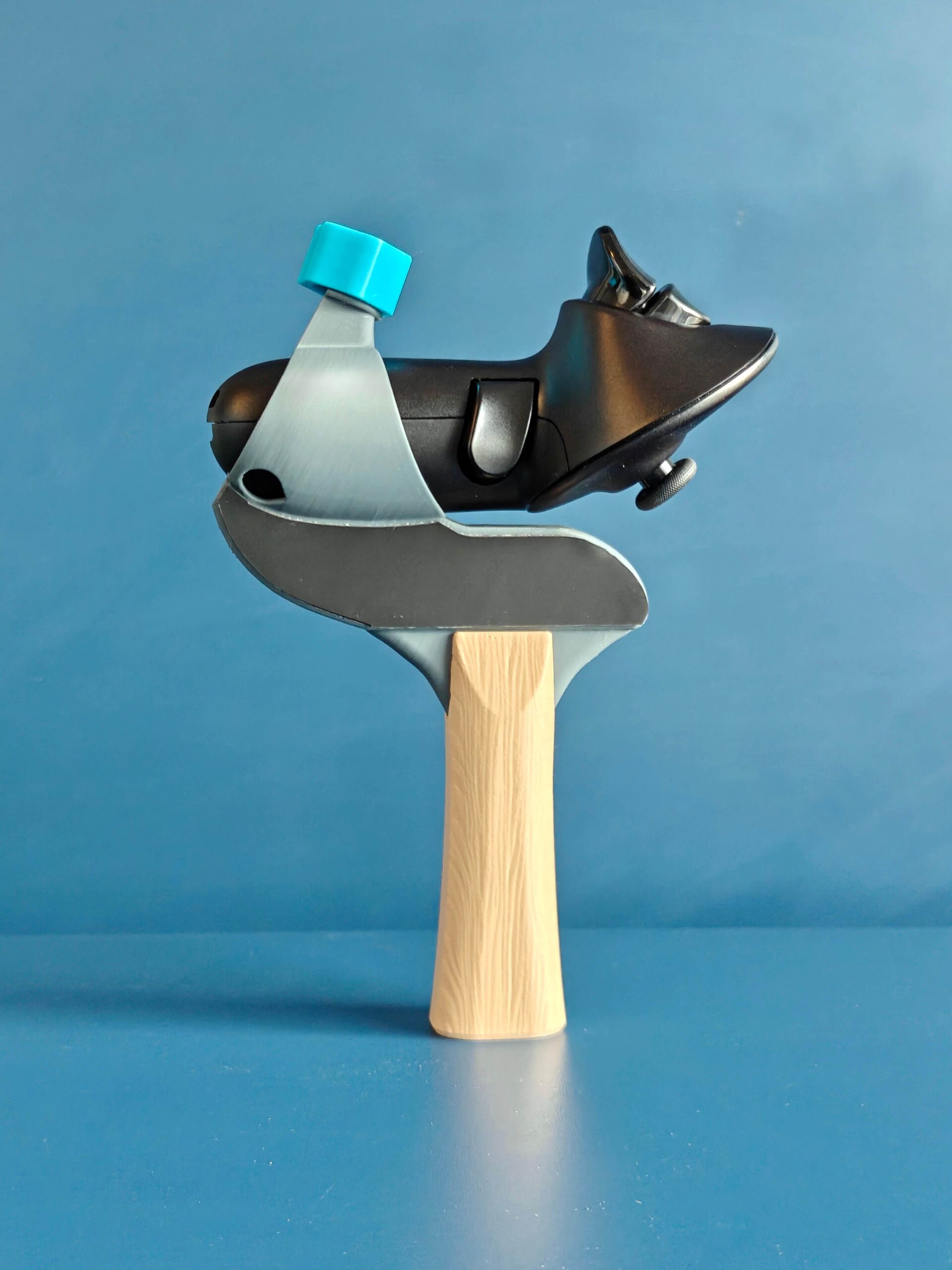
To celebrate this season of renewal, you may now curate your own aesthetic: the color of the adapter cap is yours to choose, at no additional cost. For those who wish to keep their options open, individual caps are also available for order.

Should you find yourself dreaming of a different hue or wishing to color other parts of your gear, simply leave a note with your order. While we are bound by the limits of our filament supply, we will do our very best to accommodate your vision and bring your unique requirement to life.

We hope this small splash of color brings a touch of joy to your journey.

As always, this invitation to personalize extends across our global network. You can find these new hues at any of our partner sites, reaching (almost) every corner of the world.

Explore the SolidSlime collection at: VRPingPong.net

Posted on — Leave a comment

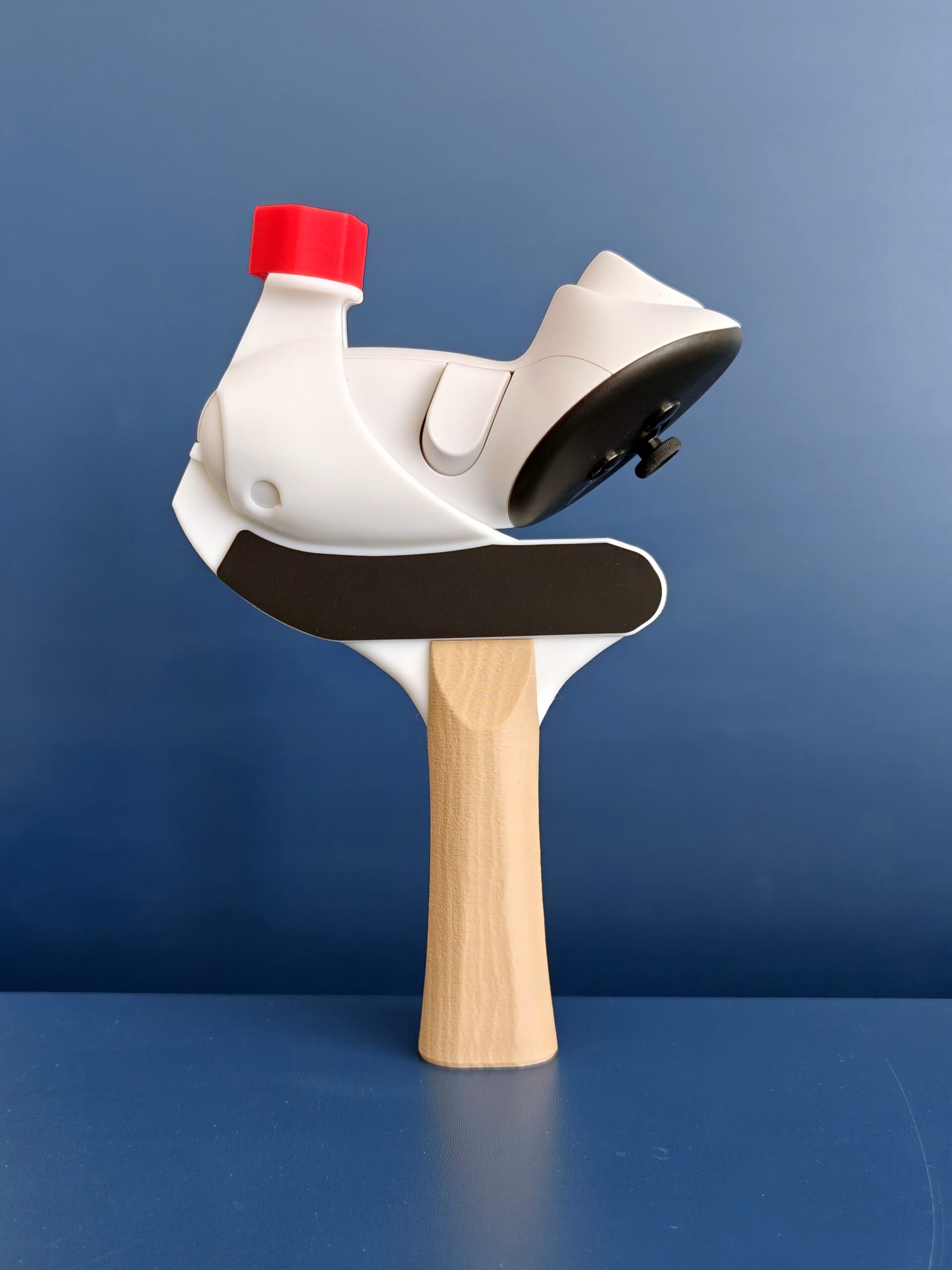
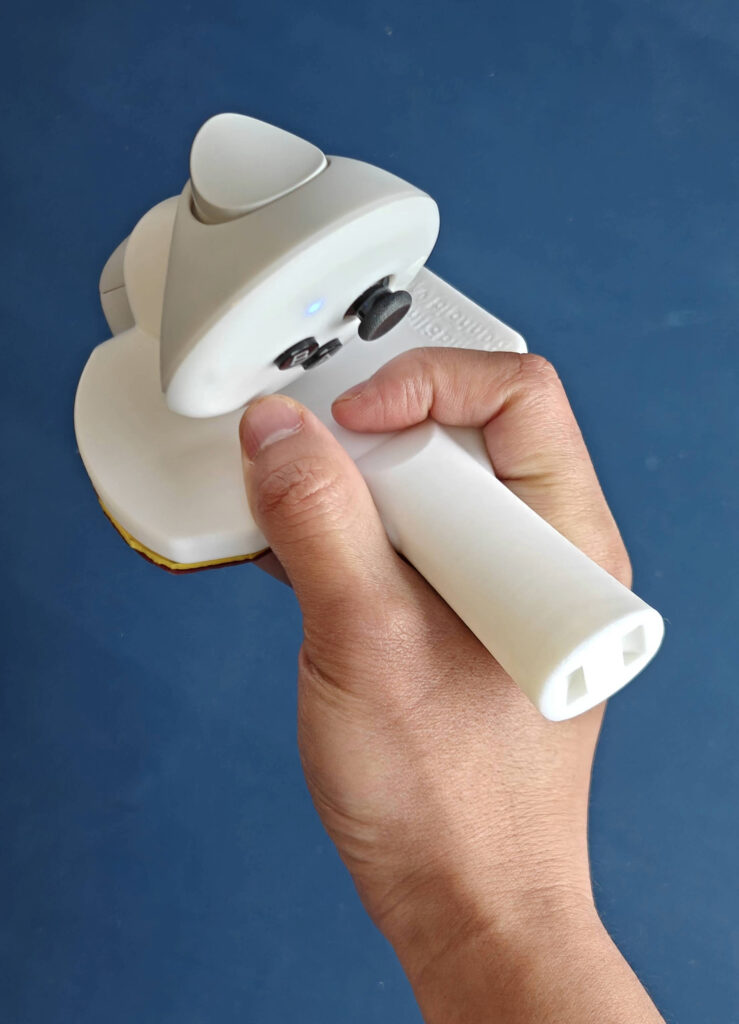
Quest 3 Table Tennis Adapter v3.3 Changelog

Thanks to community feedback, we’ve enhanced several features of the SolidSlime Quest 3 Table Tennis Adapter.

(Shop links: UK, EU | other countries with local sellers )

TL;DR: v3.3 improves backhand tracking and strengthens the adapter’s structure in multiple areas.

Tip: We began shipping v3.3 a few weeks ago, so if you recently ordered an adapter that’s still on its way, chances are it’s already the latest version.

Here are the key differences between v3.1 and v3.3:


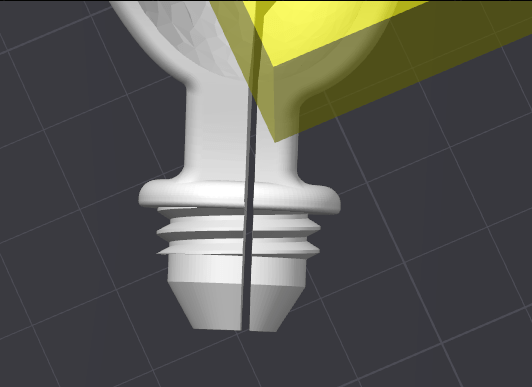
Split the screw in an asymmetrical way. This will make the bending part (the thinner part on the right side) more flexible. It will become less likely to break.


Re-modeled the controller holder. This brings several big improvements: not only that it’s much easier to push the controller in and take it out. but also there is much less pressure between the “bottle cap” and the “screw”.


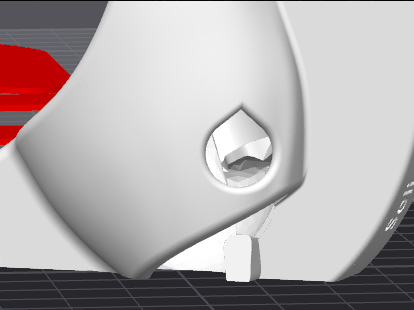
Increased the LED hole a little bit to match the LED size, to improve tracking even further.


Remodeled the flared and straight handles, so the top part have thicker shells. The middle part of the handle has been strengthened too.

Over the past few weeks, we’ve been testing v3.3 both in-house and with top-level ETT players—who’ve given us overwhelmingly positive feedback. With no further changes needed, we’re excited to officially release version 3.3.

The newest SolidSlime Table Tennis Adapter for Quest 3 is now available for purchase at VRPingPong.net.

Posted on — Leave a comment

SS115/SolidSlime Penhold Table Tennis Adapter for Pico 4 Ultra

Drawing inspiration from the popular BWB adapter for Q3/Q3s, we have designed a new penhold adapter for Pico 4 Ultra.

Key Features

  • 🎯 High-level tracking quality for both TPB and RPB styles.
    optimized for competitive performance.
  • ⚖️ Realistic weight & balance.
    approx. 195g with AAA battery and AAA->AA battery adapter, closely mimicking an actual racket.
  • ✨ Ergonomic design – flat/rounded edge supports natural finger placement.
  • 🛡️ Wrist strap compatible – supports Meta Pico 4 Ultra wrist strap for extra safety.
  • 🏓 Pre-installed real table tennis rubbers – for a truly authentic grip and impact feel.
  • 🇨🇳 🇯🇵 Available in C-Pen and J-Pen styles – choose the grip that suits your play.

We are excited to see how this adapter helps penhold players to reach new heights.
The adapter is available at https://solidslime.net/product/solidslime-penhold-adapter-for-eleven-table-tennis-on-pico4-ultra/

Posted on — Leave a comment

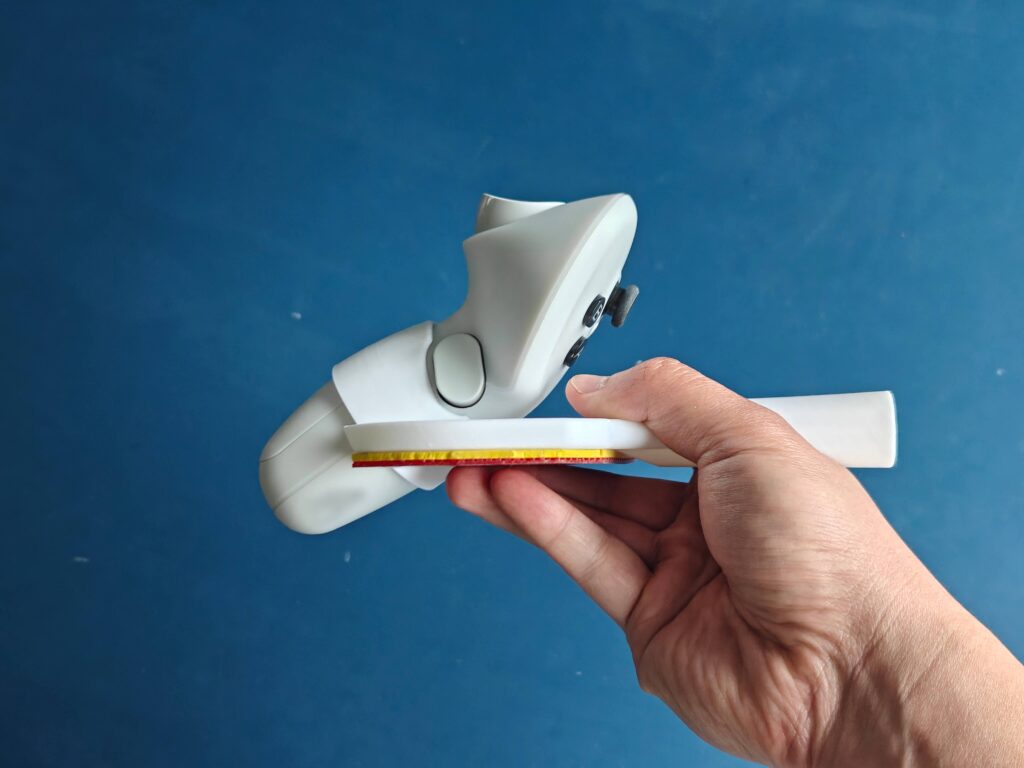
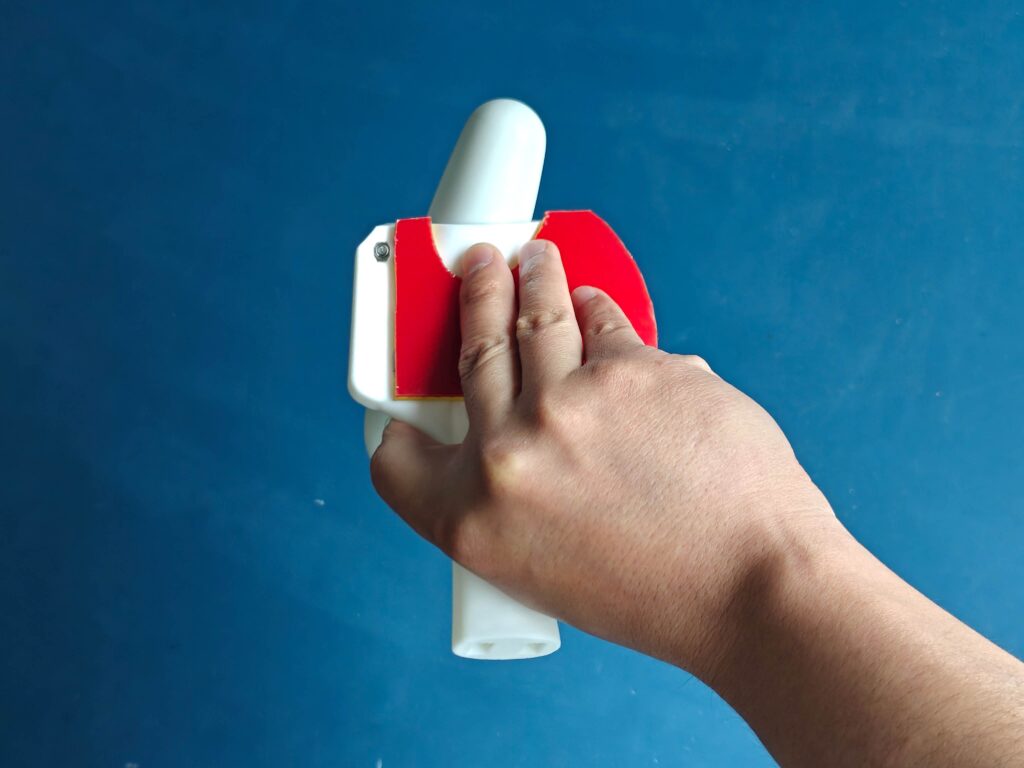
BWB Penhold Table Tennis Adapter for Quest 3 / 3s

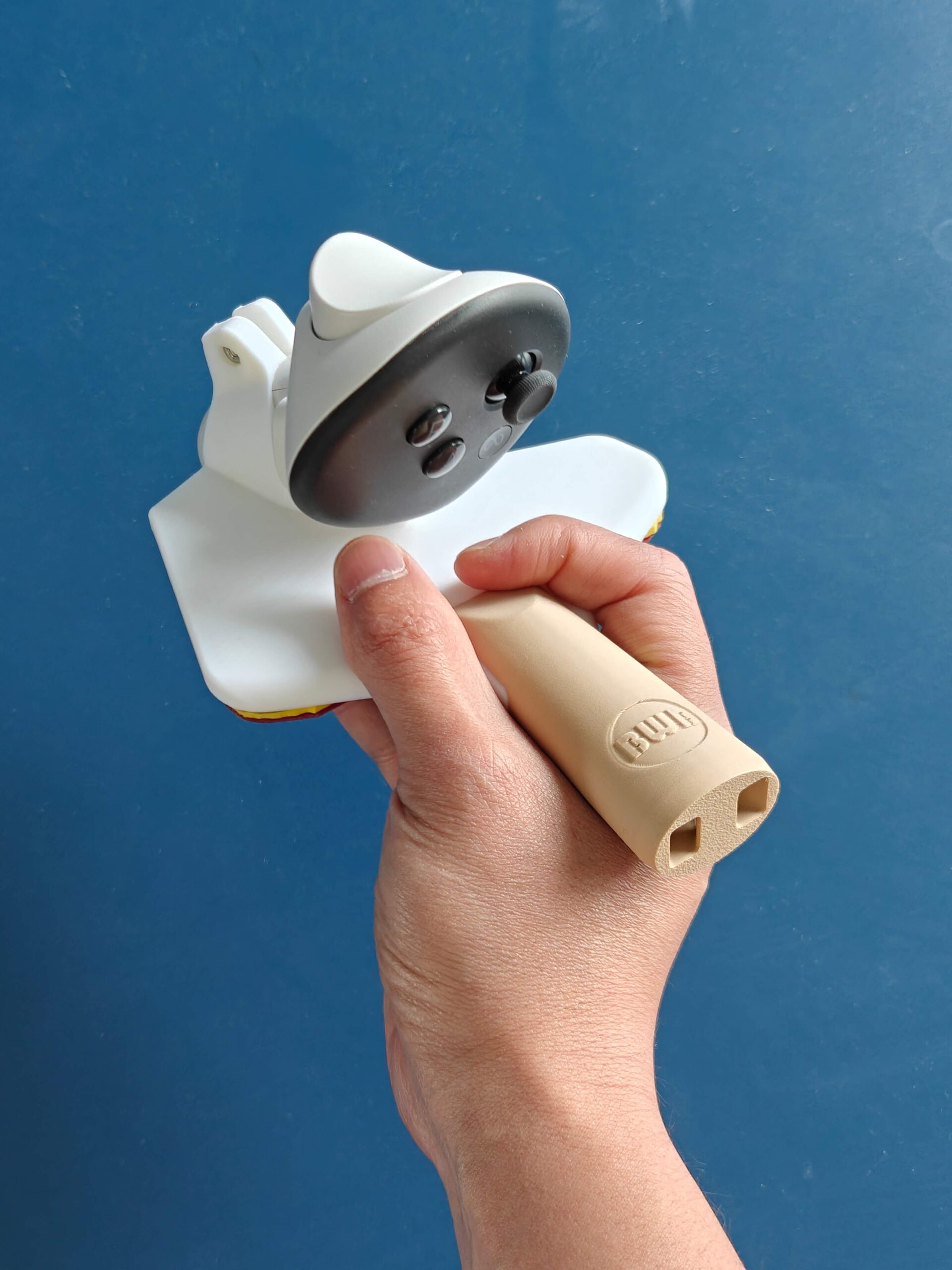
A new and better penhold adapter has appeared! The BWB (BonWasyBusa) adapter is designed by kaiha with the help of several ElevenVR community members.
SolidSlime.net and other partners on VRPingPong.net are officially license by kaiha to produce and sell this adapter and its variations.

Key Features

  • 🎯 High-level tracking quality for both TPB and RPB styles.
    optimized for competitive performance.
  • ⚖️ Realistic weight & balance.
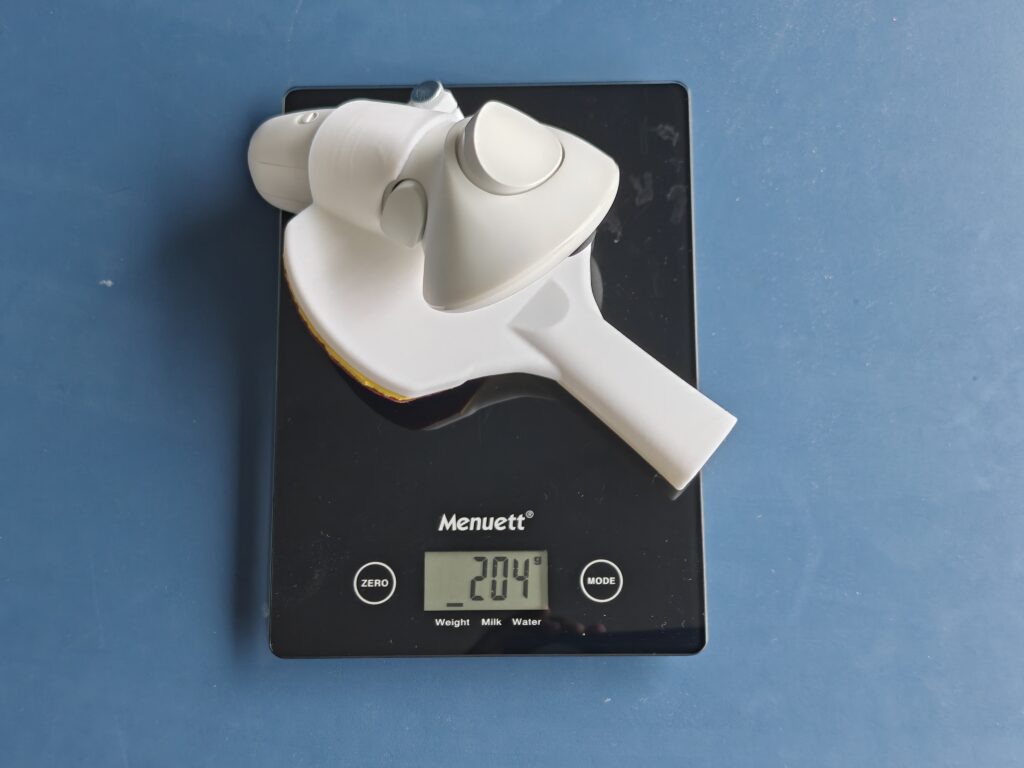
    approx. 176g with AAA battery and AAA->AA battery adapter, closely mimicking an actual racket.
  • ✨ Ergonomic design – flat/rounded edge supports natural finger placement.
  • 🛡️ Wrist strap compatible – supports Meta Quest 3 / 3S wrist strap for extra safety.
  • 🏓 Pre-installed real table tennis rubbers – for a truly authentic grip and impact feel.
  • 🇨🇳 🇯🇵 Available in C-Pen and J-Pen styles – choose the grip that suits your play.

We are excited to see how this adapter helps penhold players to reach new heights.
The adapter is available at https://solidslime.net/product/bwb-penhold-adapter-for-eleven-table-tennis-on-meta-quest-3-3s/

Posted on — Leave a comment

SolidSlime Adapters now work with STIGA CWT Weights

We’re excited to announce a new variation in the SolidSlime VR table tennis adapter lineup—one designed specifically for players who want even more control over their setup.

This new version features an embedded magnet in the handle, allowing you to use official STIGA Custom Weight Technology (CWT) weights for a more personalized and realistic feel.

Note: The new CWT-Compatible variation is available as an optional variation in our store for the Quest 3/3S Adapter and Pico 4 Ultra Adapter. Our regular adapters without magnetic support are still available and fully supported.


Why a Magnetic Insert?

For many competitive players, replicating the real-world feel of a paddle is essential. While our standard adapters already deliver a top-tier immersive experience, some users requested the ability to adjust the balance and weight using their own STIGA CWT weights.

This magnetic variation makes that possible.

Key Features of the Magnetic Version

  • Embedded magnet : Securely holds official STIGA CWT weights in place.
  • Customizable balance and feel: Adjust paddle weight to match your playing style.
  • Tool-free install: Snap your weights in or out—no extra parts or hardware needed.
  • Same SolidSlime performance: Built to our exacting design and playability standards.

Which Variation Is Right for You?

  • Standard SolidSlime Adapter
    Great for players who want a consistent, ready-to-play paddle feel out of the box.
  • Magnetic CWT-Compatible Adapter (New)
    Ideal for advanced players who already use STIGA CWT weights or want to experiment with fine-tuned paddle balance.

Available Now

The new CWT-Compatible variation is available as an optional variation in our store for the Quest 3/3S Adapter and Pico 4 Ultra Adapter.

Posted on — 6 Comments

Changelog: SolidSlime Q3/Q3S Pickleball Adapter v2.3

Thanks to the community feedback, we have redesigned the pickleball adapter for Quest 3 / 3S. Here is what has been changed between v2.1 and v2.3:

Better strength

3D prints have the best strength along the layer lines, and the weakest strength across the layers. We have now redesigned the model, so that the adapter can mostly be printed “flat”. This way the maximum strength is achieved. The adapter will be more rigid, and last longer.

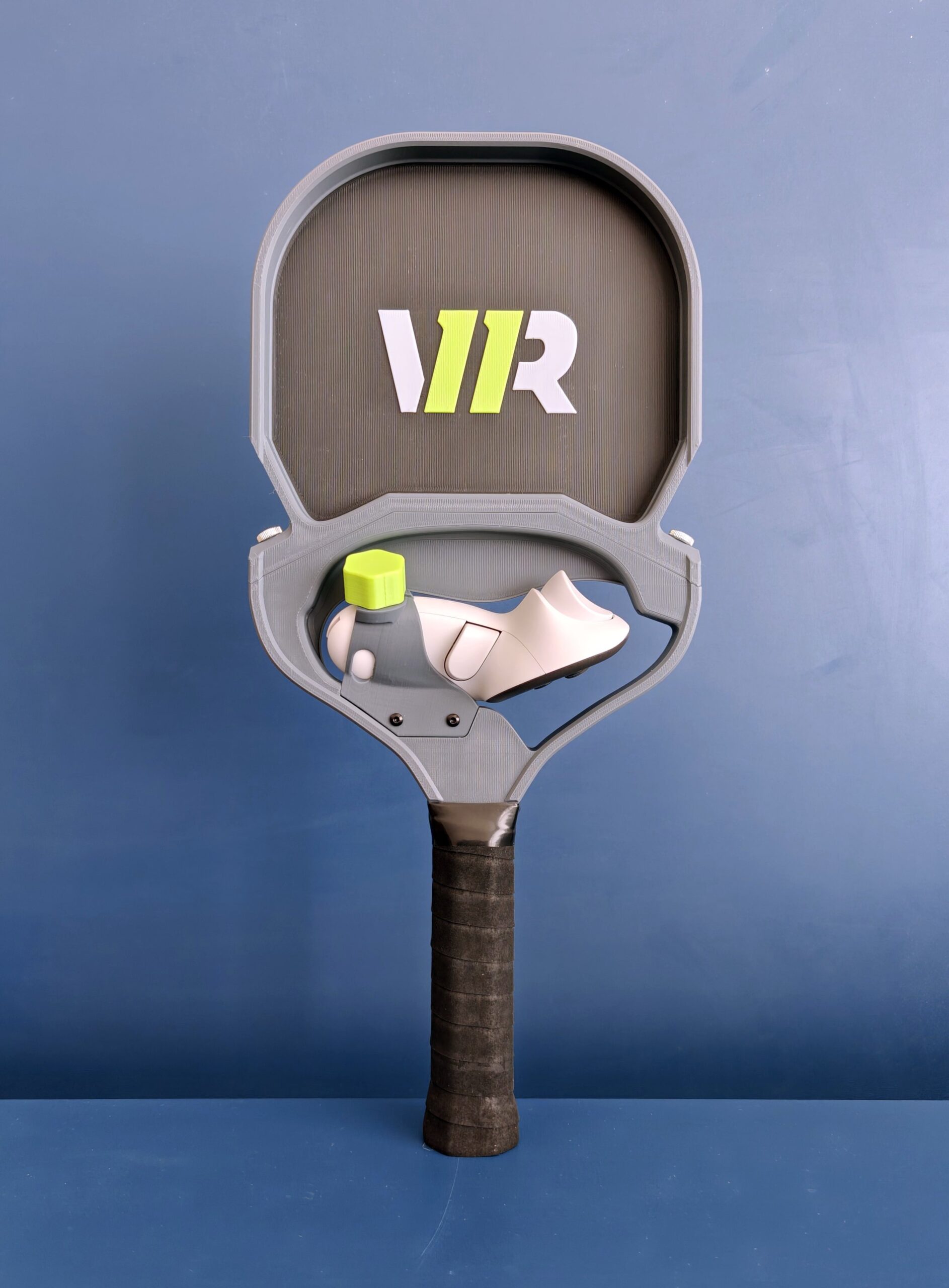
    Removable top board

    Now the top board is installed securely using two thumb screws. Players can remove the top board themselves. This is useful when they want to play in a small room or when there are many objects around. It’s possible to purchase the two parts separately as well.

    The pickleball adapter works for all games that supports free positioning of the paddle, including but not limited to:

    • Eleven Pickleball
    • Racket Club
    • Pickleball One
    • Pickleball
    • First Person Tennis

    It can be found here: https://solidslime.net/product/solidslime-pickleball-adapter-for-meta-quest-3/

    Below is the installation video:

    Posted on — Leave a comment

    (Video) The ideal setup to play VR ping pong

    Dimitri (MonquiRanger) is an exceptional player in both real-life and VR table tennis. In ETT, he reached 3000 Elo in just one month—and he’s still climbing! In this video, he shares his experience with various VR ping pong equipment. We’re honored to see the SolidSlime adapter featured among the best. Check out the video to discover the other top picks, and if you enjoy the content, consider subscribing to his channel for more great insights!

    If you are curious about my setup, it includes:

    • Meta Quest 3
    • SolidSlime Quest 3 Adapter
    • Kiwi Quest 2 Headstrap + printed adapter for Quest 3
    • Paper Towel being folded on forehead during each session to absorb the sweat

    About the paper towel: I have seen quite a few Quest 3 get damaged because sweat enters the device. This often happens during table tennis, as it is an intensive sport. The paper towel is an unsung hero in preventing that from happening. Other equipment like facial interfaces with fans and holes can work too.

    Posted on — Leave a comment

    CyberPen (Quest 3/3S Penhold Table Tennis Adapter) v2.0 Changelog

    Thanks to community feedback, we’ve enhanced several features of the CyberPen Quest 3 Table Tennis Adapter.

    (Shop links: UK | EU | other countries with local sellers )

    Here are the key differences between v1 and v2:

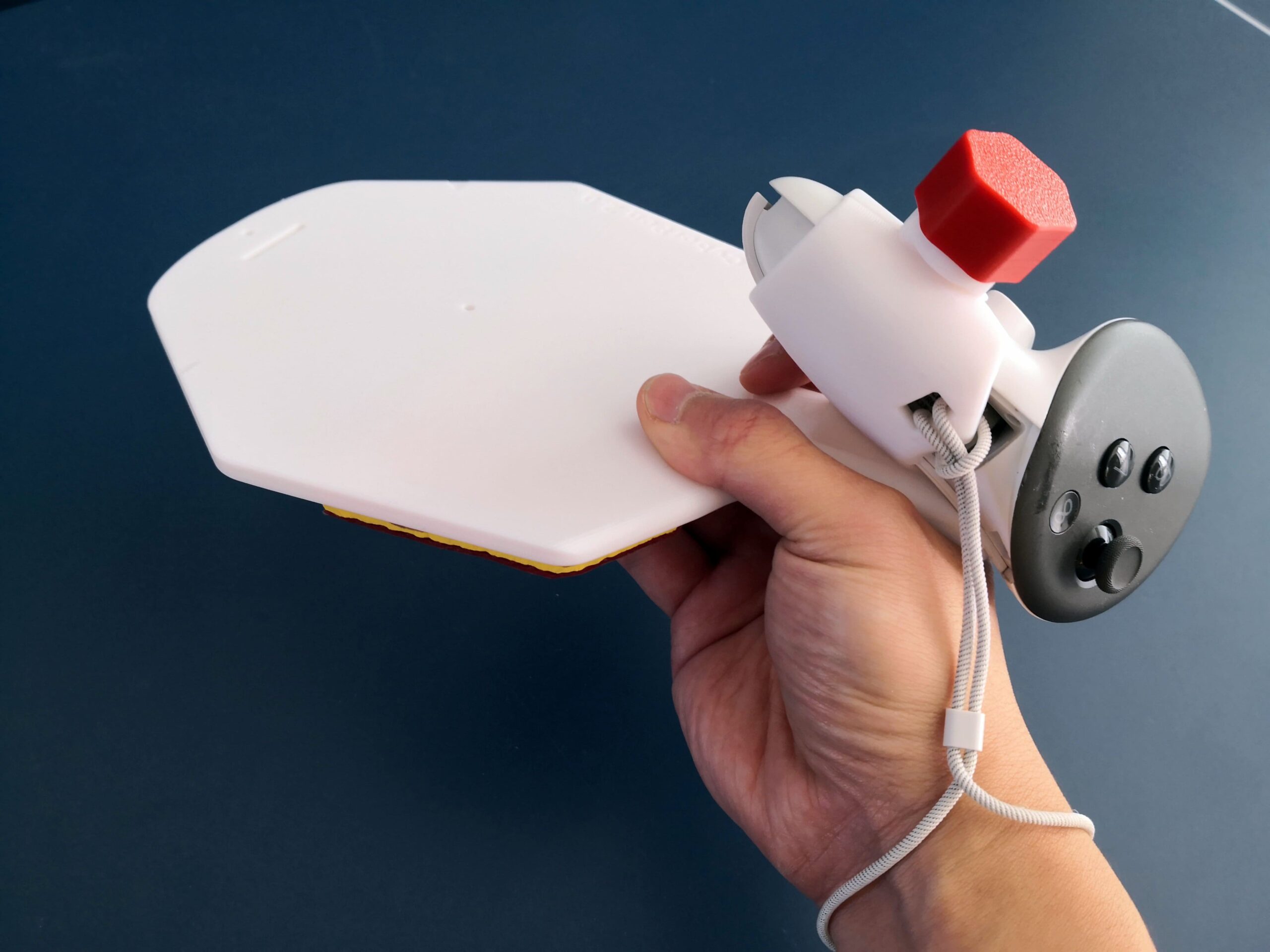
    • The controller has been moved from near the wrist to between the thumb and index fingers, providing much better balance.
    • Instead of a metal screw, now a 3d printed “bottle cap” is used to fasten the controller, making it even more convenient to install the adapter.
    • The adapter now has a full size paddle surface. This makes the realistic balance easier to achieve, because the tip of the paddle is now further away from the hand.
      (Bonus: It can be used to play real life table tennis, and works fairly well!)
    • A hole is added for attaching the wrist strap, providing more safety.
    • The adapter now has Chinese Penhold handle by default. There is a JPen addon included that can be glued onto the handle and make it into JPen.
    • Improved the strength of various places.

    As a real life penholder for 20 years, I am very happy to have finalized CyberPen v2. This has brought the pleasure of using Quest 3 with penhold style to another level, enough to make me put down shakehand style and fully transit into a penholder player. I hope the other penholders are going to feel the joy as well.

    The latest version of the SolidSlime Table Tennis Adapter for Quest 3 can be purchased here.

    Demo/Installation video: