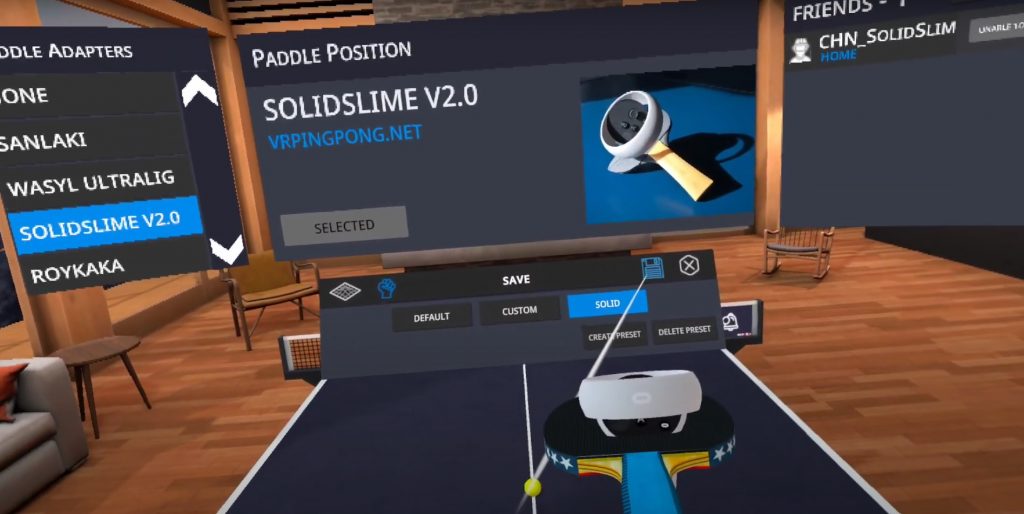
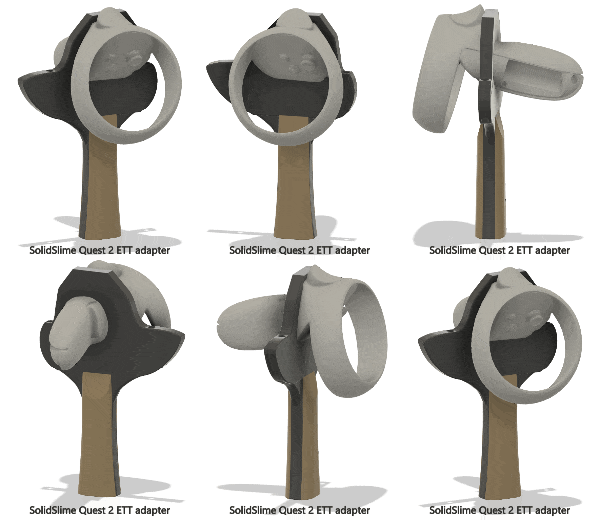
I'm glad to share the news that almost all the ETT adapters I designed have been integrated fully into the game. No need to download from the cloud anymore. (Only exception is v2.0a of the Quest 2 adapter, if you are using that, please keep using the cloud code.)
|
|
The way to use it is very straight forward:
|
|
1. Create a new paddle position profile in "paddle settings".
|
|
2. Switch to the new paddle position profile.
|
|
3. Click the SolidSlime adapter in the list on the left (make sure you are selecting the correct version, which can be seen at the bottom of the adapter handle), click "Select".
|
4. Click the Save button 💾.
|
|
Here's a short video to demo it:
|
|